

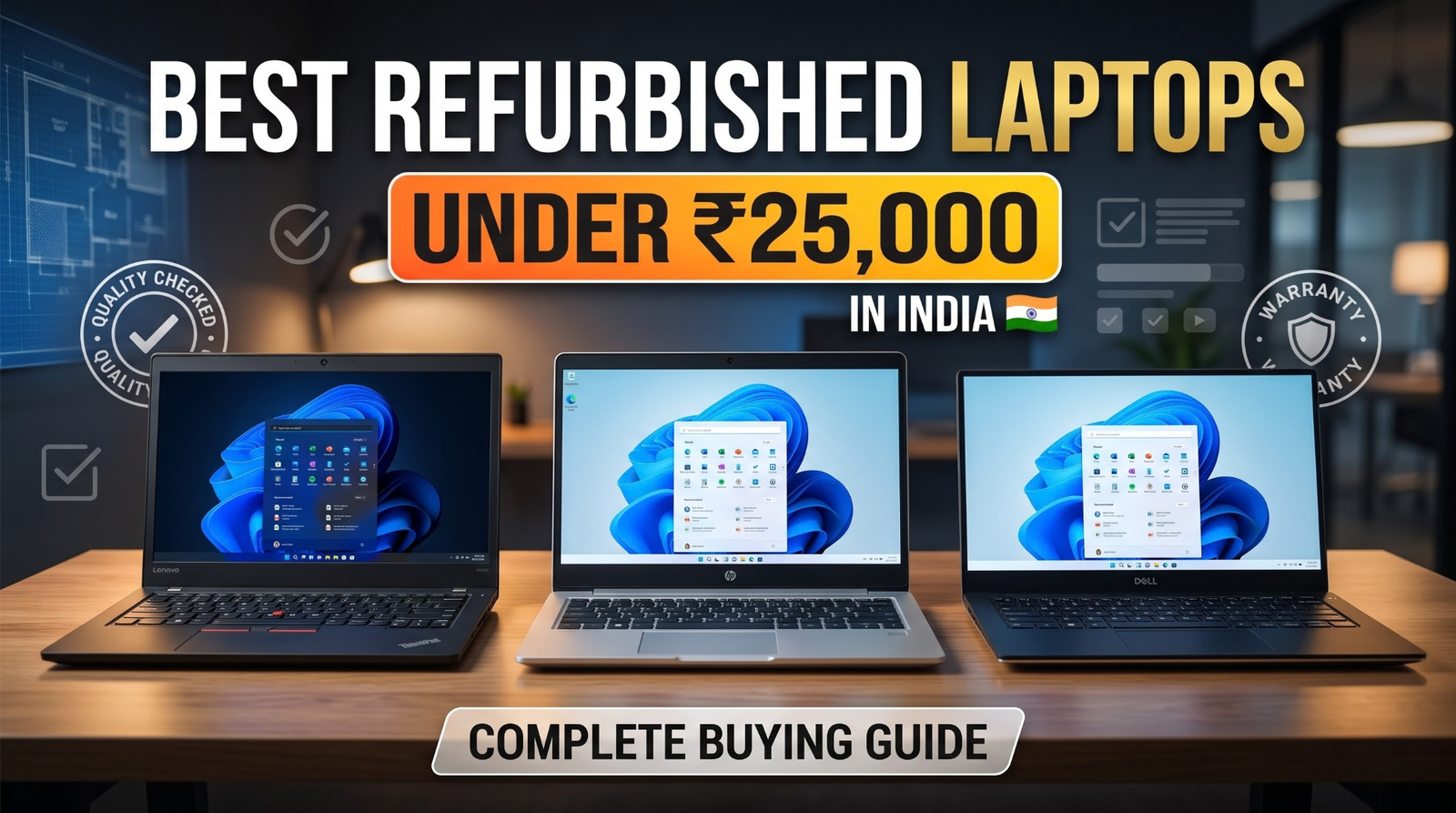
Buying a reliable laptop does not always mean spending a large amount of money. Whether you are a student, working professional, freelancer, or small business owner, a refurbished laptop can be a practical way to get good performance at a more affordable price.
If you are searching for the best refurbished laptop under ₹25,000 in India, the key is to choose a device that meets your daily requirements without compromising on essential features such as processing power, RAM, storage, and reliability.
In this guide, we will explain how to choose a refurbished laptop, which specifications to look for, what to check before purchasing, and how to find a laptop that offers good value for money.
What Is a Refurbished Laptop?
A refurbished laptop is a previously owned device that has been inspected, tested, and, where necessary, repaired or restored before being offered for sale again.
Unlike a brand-new laptop, a refurbished device may have been used by a previous owner or business. Its condition, battery health, cosmetic appearance, and warranty coverage can vary depending on the device and seller.
A professionally refurbished laptop can be a suitable option for everyday activities such as browsing the internet, attending online classes, working with documents, managing emails, and performing routine office tasks.
Before purchasing, always check the product description, condition, included accessories, warranty terms, and replacement policy.
Why Buy a Refurbished Laptop Under ₹25,000?
A limited budget does not mean you have to overlook useful features. Choosing the right refurbished laptop can help you balance performance, affordability, and everyday productivity.
1. Get Better Specifications for Your Budget
Depending on availability and condition, refurbished laptops may offer features such as Intel Core i5 processors, 8GB RAM, and SSD storage within a more accessible price range.
Always compare the actual processor generation and specifications rather than relying only on the Core i5 or Core i7 label.
2. Suitable for Students and Online Learning
A refurbished laptop with suitable specifications can support online classes, research, assignments, presentations, video meetings, and web browsing.
For students, an SSD and sufficient RAM can make everyday computing more responsive.
3. Practical for Office Work
Professionals can use a suitable refurbished laptop for spreadsheets, presentations, email communication, document editing, and browser-based business applications.
Business laptop series such as Dell Latitude and Lenovo ThinkPad are worth considering when comparing available refurbished models.
4. A More Budget-Friendly Technology Choice
Buying refurbished can reduce the initial purchase cost compared with buying a new device with similar specifications. It also gives previously used hardware another opportunity to remain useful.
However, the actual savings depend on the laptop’s condition, specifications, age, warranty, and current market price.
Best Specifications to Look for in a Refurbished Laptop Under ₹25,000
Before buying a refurbished laptop online, compare the following features carefully.
1. Processor: Choose According to Your Workload
The processor affects how efficiently your laptop handles applications and multitasking.
- Intel Core i3: Suitable for basic browsing, documents, and everyday computing, depending on its generation.
- Intel Core i5: A practical option for office work, online learning, multitasking, and general productivity.
- Intel Core i7: Can offer greater performance in some configurations, but generation, power limits, cooling, and overall condition matter.
Do not select a laptop based on processor branding alone. Compare the exact model and generation before making a decision.
2. RAM: Aim for 8GB or More
RAM helps your laptop manage multiple applications simultaneously.
- 4GB RAM: Limited for modern multitasking.
- 8GB RAM: A reasonable starting point for everyday work, browsing, and online classes.
- 16GB RAM: Better suited to heavier multitasking and more demanding applications.
Check whether the RAM is upgradeable and whether the laptop supports your intended workload.
3. Storage: Prefer an SSD
An SSD generally provides faster startup times and application loading than a traditional hard disk drive.
For most users, a 256GB SSD is a useful starting point. Consider 512GB if you regularly store large files, software, photographs, or project documents.
Always confirm the actual storage capacity and type in the product specifications.
4. Display and Portability
A 14-inch laptop can be convenient for professionals and students who travel frequently. A 15.6-inch display may be more comfortable for users who prefer a larger screen.
Check the display resolution, brightness, keyboard condition, webcam, available ports, and overall physical condition before purchasing.
5. Battery Health
Battery performance can vary considerably between refurbished laptops.
Ask about battery condition, expected backup where available, and battery warranty coverage. If you frequently work away from a power outlet, battery health should be a major part of your decision.
Which Refurbished Laptop Should You Choose Under ₹25,000?
The best model depends on your usage, the current inventory, and the final purchase price.
| Your Requirement | What to Look For |
|---|---|
| Students and online classes | 8GB RAM, SSD storage, webcam |
| Office work | Core i5-class performance, 8GB RAM, SSD |
| Business and professional use | Business-class laptop, comfortable keyboard, suitable ports |
| Programming and coding | Compatible processor, 16GB RAM if possible, SSD |
| Everyday browsing | Efficient processor, SSD, adequate RAM |
Consider Business Laptop Series
When browsing refurbished laptops, consider these product families:
Dell Latitude: Designed for business and professional use, with configurations that vary by model and generation.
Lenovo ThinkPad: Known for its business-focused design and keyboard experience. Compare the exact model, display, battery, and hardware configuration.
HP EliteBook and ProBook: Business-oriented laptop families that may offer useful features for office and professional workloads.
Availability and pricing change over time, so compare the current listings before deciding which laptop offers the best value.
Explore the available models and prices on MyLaptop.in.
What to Check Before Buying a Refurbished Laptop Online
A low price should never be the only reason to purchase a laptop. Use this checklist to make a more informed decision.
Check the Complete Product Specifications
Confirm the processor model and generation, RAM, SSD capacity, screen size, operating system, and available connectivity options.
Understand the Laptop’s Condition
Look for clear information about cosmetic wear, scratches, display condition, keyboard functionality, and any repaired or replaced components.
Review Warranty Coverage
Read the warranty terms carefully. Check its duration, covered components, exclusions, and the procedure for requesting service.
Review the MyLaptop.in warranty policy before placing an order.
Check the Replacement and Refund Policy
Understand the conditions under which a product can be replaced or a refund may be issued. Keep the invoice, packaging, and accessories until you are satisfied with the purchase.
Read the MyLaptop.in refund and returns policy for the applicable terms.
Compare the Final Price
Check whether the displayed price includes GST and shipping charges. Compare the final payable amount rather than the headline price alone.
Refurbished vs New Laptop: Which Is Better?
Both options have advantages, and the right choice depends on your needs.
| Factor | Refurbished Laptop | New Laptop |
|---|---|---|
| Initial cost | Often lower | Usually higher for comparable business-class specifications |
| Physical condition | May show signs of previous use | Generally unused |
| Specifications | Depends on the available model | Depends on the selected model |
| Warranty | Depends on the seller and product | Depends on the manufacturer and product |
| Best suited for | Budget-conscious buyers | Buyers who prefer a new device |
A refurbished laptop can make sense when you want to manage your budget and have found a properly tested device with suitable specifications and clear warranty terms.
A new laptop may be preferable if you specifically want unused hardware, a newer platform, or features that are unavailable in your budget among refurbished models.
Why Explore Refurbished Laptops at MyLaptop.in?
MyLaptop.in offers refurbished laptops across different configurations and price ranges, along with laptop accessories and rental options.
When comparing available products, look at the specifications, listed price, product condition, warranty information, and applicable delivery and replacement terms.
You can start by exploring the MyLaptop.in laptop collection and comparing models based on your budget and intended use.
If you need a device temporarily for a project, office setup, or business requirement, you can also explore laptop rental options.
Final Thoughts
Finding the best refurbished laptop under ₹25,000 in India is about more than choosing a familiar brand. The right decision comes from comparing processor generation, RAM, SSD storage, battery condition, warranty, and the laptop’s overall condition.
For students, professionals, and small businesses, a well-selected refurbished laptop can provide a practical balance of affordability and everyday performance.
Take the time to compare available models, understand the seller’s policies, and choose a configuration that meets your actual requirements.
Ready to find a laptop that fits your budget? Explore the available refurbished laptops at MyLaptop.in and compare the options before making your decision.
Frequently Asked Questions (FAQs)
1. Which is the best refurbished laptop under ₹25,000 in India?
The best option depends on your requirements and current availability. Compare laptops from business series such as Dell Latitude, Lenovo ThinkPad, and HP EliteBook or ProBook, focusing on processor generation, RAM, SSD storage, condition, and warranty.
2. Is buying a refurbished laptop worth it?
Yes, a refurbished laptop can be worth considering if it has been properly tested, meets your performance requirements, and comes with clear warranty and replacement terms. Always evaluate the individual product before purchasing.
3. Is a refurbished laptop good for students?
A suitable refurbished laptop can be used for online classes, assignments, research, presentations, and browsing. An SSD and 8GB RAM are useful starting points for many everyday student tasks.
4. Can I get a Core i5 laptop under ₹25,000?
Depending on stock, condition, processor generation, and pricing, you may find refurbished Core i5 laptops in this budget. Check the complete model specifications and final price before purchasing.
5. Is 8GB RAM enough for a refurbished laptop?
For everyday office work, browsing, online classes, and basic multitasking, 8GB RAM is a reasonable starting point. More demanding applications may benefit from 16GB RAM or more.
6. Is an SSD better than an HDD?
An SSD generally provides faster boot times and application loading. For most everyday users, a laptop with SSD storage offers a more responsive experience than a comparable system using only a traditional HDD.
7. What should I check before buying a refurbished laptop online?
Check the processor generation, RAM, storage, battery condition, display, keyboard, connectivity, product condition, warranty, return or replacement policy, and final payable price.
8. Do refurbished laptops come with a warranty?
Warranty coverage varies by seller and product. Review the specific laptop’s warranty details, duration, exclusions, and service process before placing an order.
9. Can I buy a refurbished Dell Latitude laptop under ₹25,000?
Some refurbished Dell Latitude configurations may be available in this price range, depending on stock and specifications. Check the current listings on MyLaptop.in for the latest models and prices.
10. Is it better to buy a refurbished laptop or rent one?
Buying may be more suitable if you need a laptop regularly over a long period. Renting can be useful for temporary projects, short-term business needs, events, or limited-duration work. Compare the total cost and terms of both options before deciding.